![Namibia eVisa Check Status: How to Log In, Track Your Application, and Understand Status Messages [2026 Guide]](https://namibia-evisa.info/wp-content/uploads/2026/08/hero-ai-Namibia-eVisa-Guide-1788165723.webp)
Last updated: September 2026. To perform a Namibia e visa check status, visit eservices.mhaiss.gov.na and enter your application reference number and passport number. Standard processing takes 5 to 10 working days. This informational guide helps British travellers track progress and interpret status updates before travel.
To check your Namibia eVisa application status, visit eservices.mhaiss.gov.na, click Track Application, and enter your application reference number and passport number. Your current status, such as Pending, Under Review, or Approved, will appear on screen. Standard processing takes 5 to 10 working days.
How the Namibia eVisa Application Process Works
The Namibia eVisa application process involves 4 steps: online application, secure payment, processing by MHAISS, and decision. The Namibia eVisa is valid for stays of 1 to 90 days, up to 3 months from date of issue.
Complete the online application
Submit your visa application on the government portal.
Submit secure payment
Pay the processing fee securely online.
MHAISS reviews your application
Your application and documents are reviewed.
Receive a decision
Your application is Approved or Rejected.
From 1 April 2025, UK nationals must obtain a Namibia eVisa before travel. The eVisa must be secured before departure, unlike the visa on arrival (VoA), which is a separate process for eligible nationalities. British travellers should apply through the MHAISS portal rather than relying on VoA.
Where to Check Your Namibia eVisa Status
The Namibia eVisa status portal is eservices.mhaiss.gov.na, operated by the Ministry of Home Affairs, Immigration, Safety and Security (MHAISS). Avoid third-party look-alike sites that charge extra fees.
To check your Namibia eVisa status, use the government portal directly. Navigate from the homepage to the “Track Application” section, where your dashboard displays current status labels.
In May 2026, the portal experienced disruptions affecting online visa applications. If the site is down, try again at a different time of day and keep screenshots of error pages. For UK travel advice, refer to gov.uk/foreign-travel-advice/namibia.
How to Log In to the Namibia eVisa Portal
To check your Namibia eVisa status, log in to eservices.mhaiss.gov.na using your reference number and passport number under “Track Application”. Your login credentials are your application reference number and passport number.
Go to eservices.mhaiss.gov.na
Visit the official MHAISS portal.
Click Track Application
Navigate to the application tracking section.
Enter your application reference number
Found in your MHAISS confirmation email.
Enter your passport number
Use the passport number from your application.
Click Submit to view your current status
Your status will appear on the dashboard.
If you forgot your reference number, check the MHAISS confirmation email sent after submission. You can also try logging in using your registered email address. As a last resort, contact the High Commission of Namibia in London at +44 (0) 207 636 6244 (Monday to Thursday, 10:00 to 12:00).
Common login errors include “Invalid credentials” caused by typos in the reference number, wrong passport number format, or expired session. Double-check all entries and retry.
![Infografika: Namibia eVisa Check Status: How to Log In, Track Your Application, and Understand Status Messages [2026 Guide]](https://namibia-evisa.info/wp-content/uploads/2026/09/namibia-evisa-check-status-how-to-log-in-track-your-application-and-understand-status-messages-2026-guide-20260911-035803.webp)
Understanding Your Namibia eVisa Status Messages
Six Namibia eVisa statuses exist: Pending, Under Review, Approved, Rejected, Payment Pending, and Additional Documents Required. Each requires a different action.
| Status | Meaning | Typical Duration | Recommended Action |
|---|---|---|---|
| Pending | Application received; payment confirmed; awaiting officer allocation | 1 to 5 working days | No action needed. Check back after 5 working days. |
| Payment Pending | Payment not yet confirmed by the system | 24 to 72 hours | Verify payment; check bank statement; re-attempt if failed. |
| Under Review | Application actively being processed; security checks or document verification in progress | 3 to 10 working days | No action needed. Do not reapply. |
| Additional Documents Required | MHAISS flagged missing or unclear documents | Varies; clock pauses until resubmission | Log in, check request details, upload documents promptly. |
| Approved | Visa granted and issued | Immediate | Download the PDF eVisa, print it, verify passport details. |
| Rejected | Application denied | Immediate | Check rejection reason. Submit a new application with corrected documents. Contact High Commission for clarification. |
“Pending” is a normal initial state. “Under Review” means progress, not a problem. In our experience with the Namibia eVisa portal, the “Under Review” stage typically lasts 3 to 10 working days.
Namibia eVisa Processing Times and What to Do If Stuck
Standard Namibia eVisa processing takes 5 to 10 working days. Peak-season applications may take 10 to 20 working days. If your status has not updated after 48 hours beyond the expected window, contact the High Commission of Namibia in London at +44 (0) 207 636 6244.
| Scenario | Minimum | Average | Maximum |
|---|---|---|---|
| Standard tourist eVisa | 5 working days | 7 working days | 10 working days |
| Peak season (Dec to Feb, Jun to Aug) | 10 working days | 15 working days | 20 working days |
| Incomplete application (after resubmission) | 15 working days | 20 working days | 25 working days |
Factors affecting processing include nationality, document completeness, seasonal backlog, and portal disruptions.
If status hasn’t updated, verify your reference number, wait 48 hours, and keep screenshots. If still stuck, contact the High Commission.
| Channel | Details |
|---|---|
| Visa Office Phone | +44 (0) 207 636 6244 |
| Visa Office Hours | Monday to Thursday, 10:00 to 12:00 |
| Chancery Hours | Monday to Friday, 10:00 to 17:00 |
| Document Collection | Monday to Friday, 15:00 to 16:00 |
| Address | 6 Chandos Street, London W1G 9LU |
| UK Travel Advice | gov.uk/foreign-travel-advice/namibia |
After Approval: Downloading and Verifying Your Namibia eVisa
After Namibia eVisa approval, download the PDF from the portal, print a hard copy, and verify all passport details before travel.
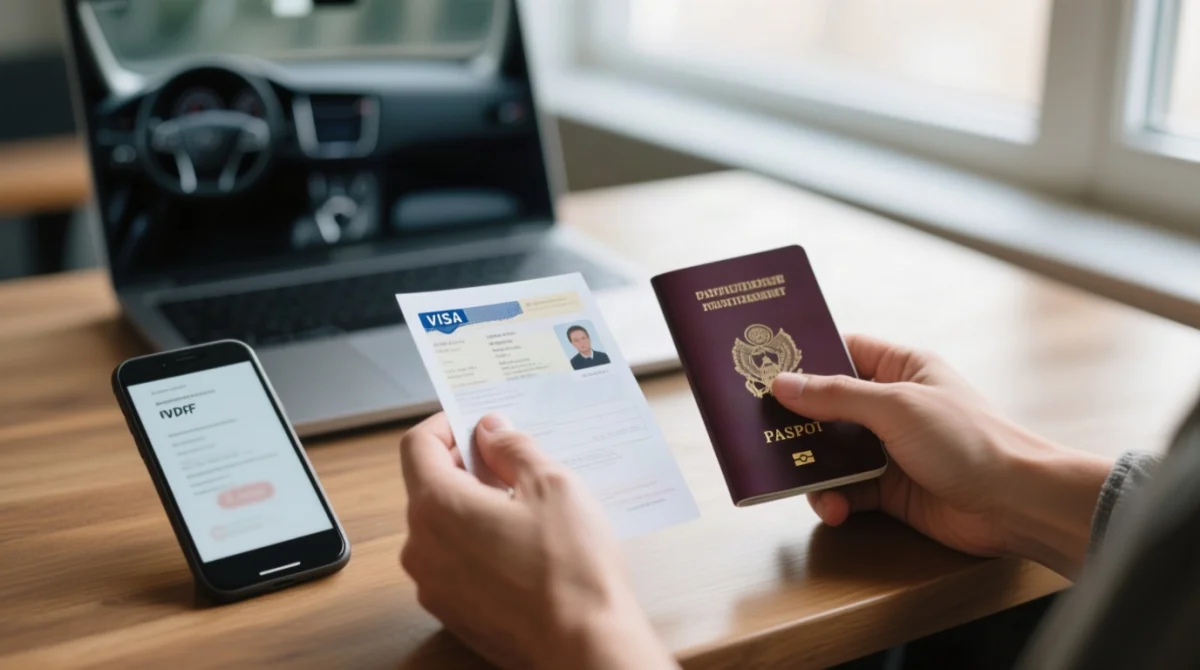
Once approved, follow these 6 steps:
- Log in to eservices.mhaiss.gov.na and navigate to your approved application.
- Download the eVisa PDF and print a hard copy.
- Verify your passport number and full name match exactly.
- Check validity: permitted stay of 1 to 90 days, valid up to 3 months from date of issue.
- Carry both a digital copy on your phone and the physical printed copy when travelling.
- If any details are incorrect, contact the High Commission of Namibia in London at +44 (0) 207 636 6244 immediately.
Namibia eVisa Check Status FAQ
How can I track my Namibia eVisa application status?
Log in to eservices.mhaiss.gov.na, click “Track Application”, and enter your reference number and passport number. Your status will appear on the dashboard.
What does Pending mean on my Namibia eVisa application?
“Pending” means your Namibia eVisa application has been received and payment confirmed, but an officer has not yet begun processing. This is the normal initial status.
What does Under Review mean on my Namibia eVisa application?
“Under Review” means your Namibia eVisa application is actively being processed by MHAISS. Security checks or document verification are in progress. No action is required from you.
How long does it take to get an eVisa for Namibia?
Standard Namibia eVisa processing takes 5 to 10 working days. During peak season (December to February, June to August), expect 10 to 20 working days.
How do I know if my Namibia eVisa has been approved?
Log in to the government portal at eservices.mhaiss.gov.na. The status “Approved” will appear on your dashboard. You will also receive an email notification from MHAISS.
What should I do if my Namibia eVisa status is not updating?
Verify your reference number, wait 48 hours, then contact the High Commission of Namibia in London at +44 (0) 207 636 6244 (Monday to Thursday, 10:00 to 12:00).
Can I check my Namibia eVisa status without my reference number?
No, the application reference number is required. Check the confirmation email sent by MHAISS after submission, or contact support.
What happens if my Namibia eVisa application is rejected?
You may submit a new Namibia eVisa application with corrected documents. Contact the High Commission of Namibia in London at +44 (0) 207 636 6244 to understand the specific reason for rejection.
Will I receive an email when my Namibia eVisa is approved?
The portal sends an email notification upon approval. However, regularly checking the dashboard is recommended as a backup to email notifications.
How do I contact Namibia immigration about my eVisa status?
High Commission of Namibia in London: +44 (0) 207 636 6244, Monday to Thursday, 10:00 to 12:00. Address: 6 Chandos Street, London W1G 9LU.
This is an informational guide for travellers, prepared by our travel research team based on MHAISS documentation and direct experience with the online portal. Always verify the latest requirements on the government portal at eservices.mhaiss.gov.na. This site does not represent the Government of Namibia.